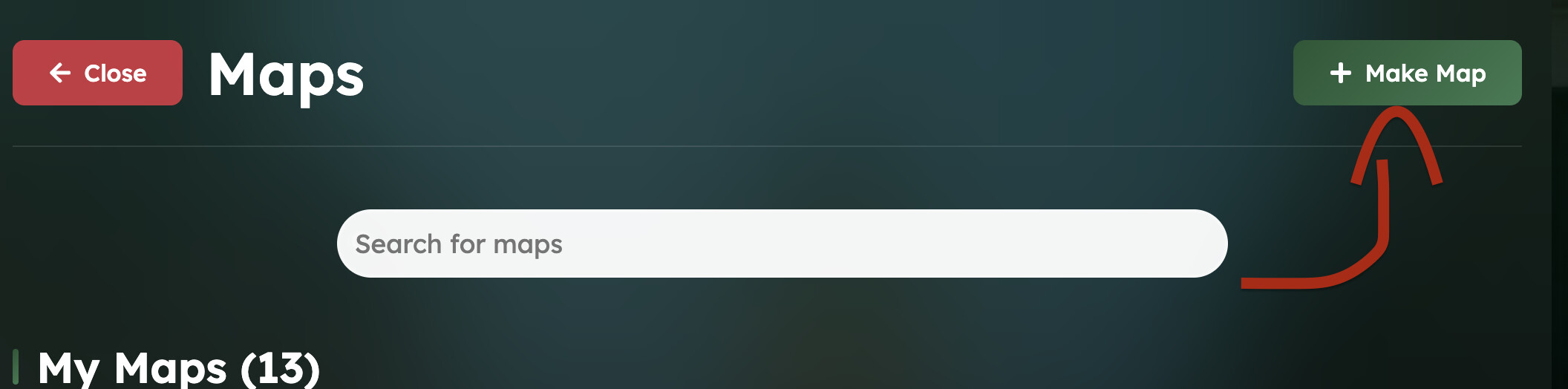
On WorldGuessr, you can start publishing your own location maps by selecting the Make Map button from the top right of the Community Maps page.
Make sure you are logged in because otherwise the button won’t be visible.
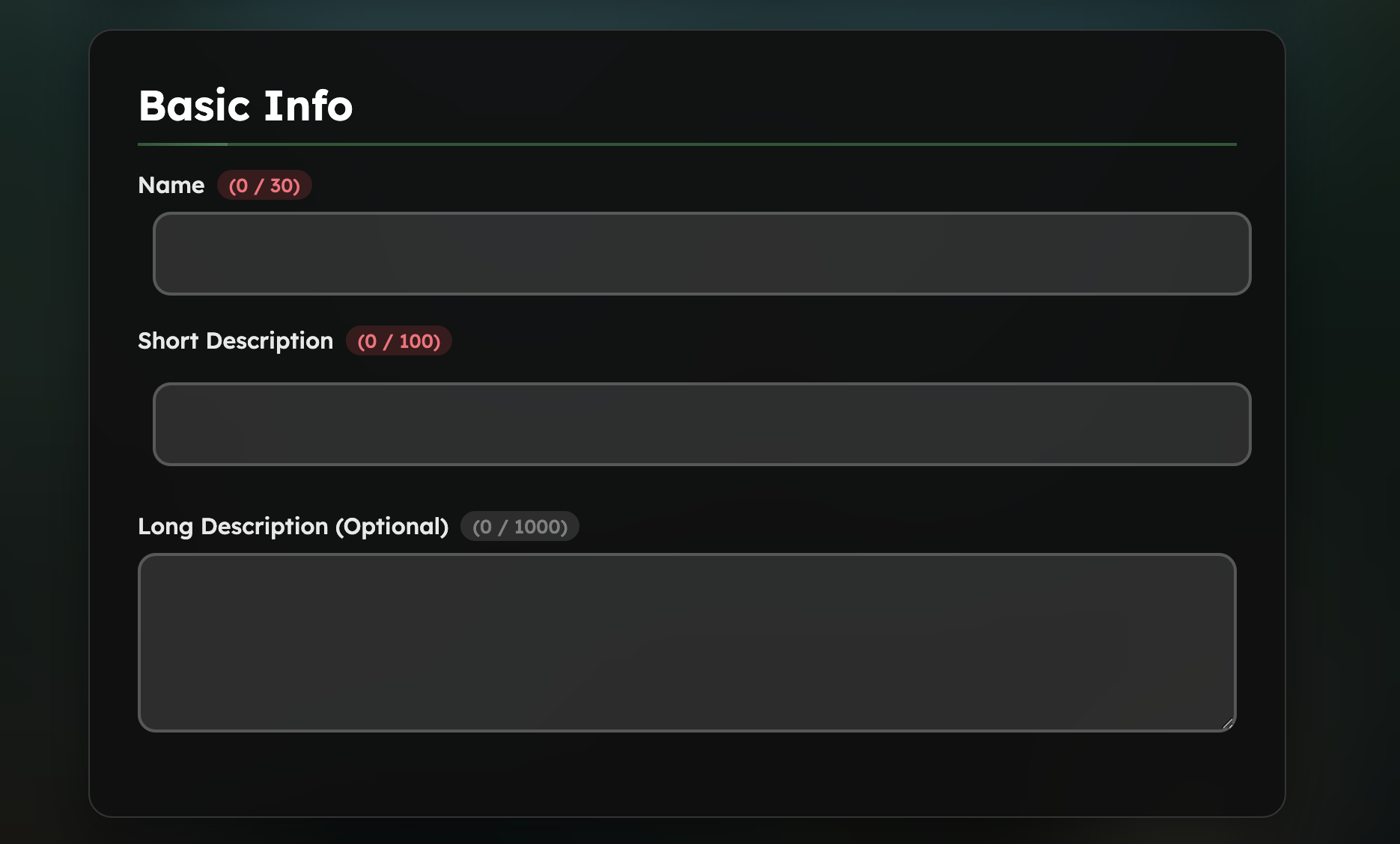
Here, start filling out basic details of your map such as Name, Short Description and Long Description. Well filled out maps tend to receive more plays in general.
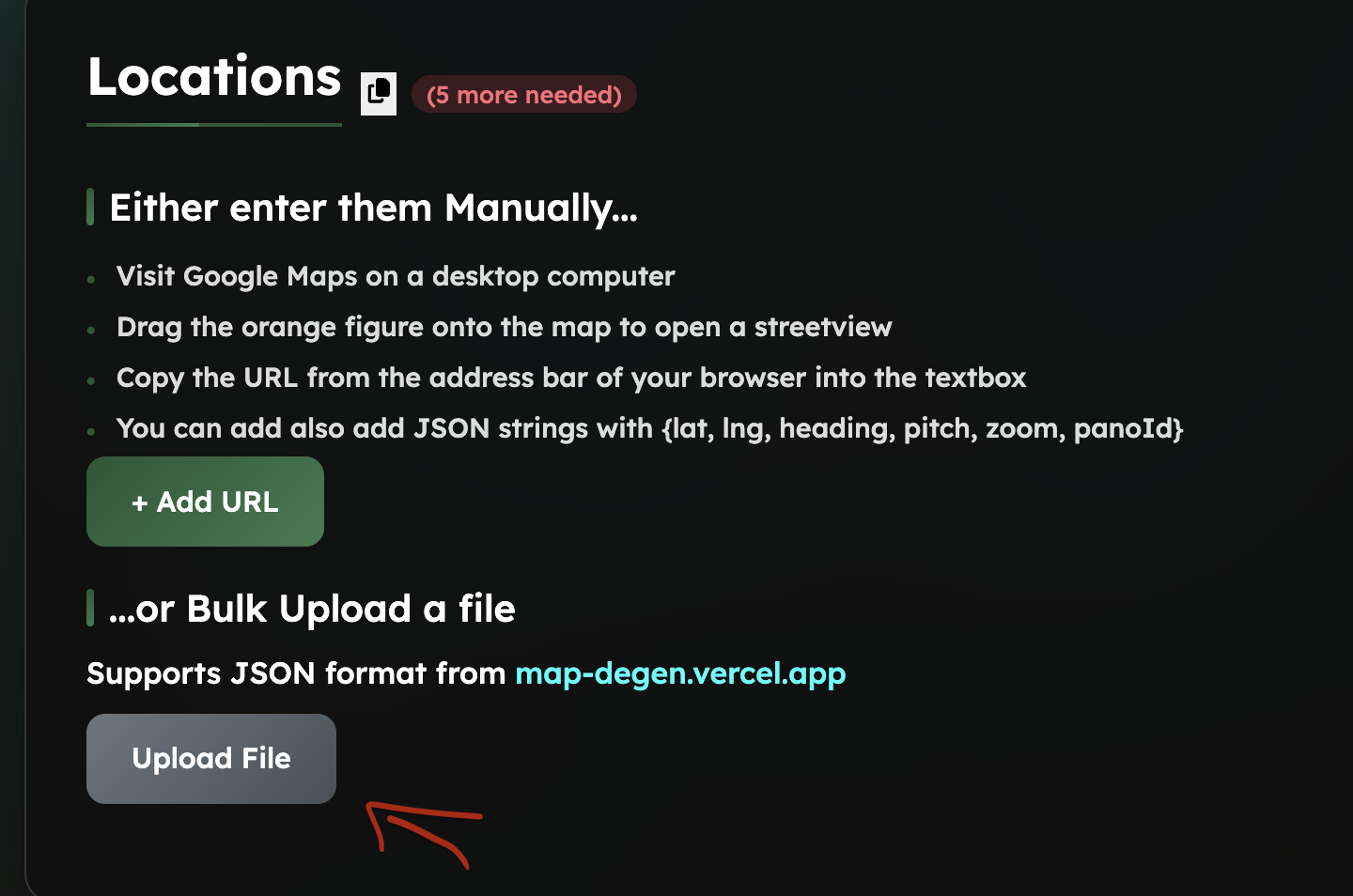
Once these are filled out, now it is time to start selecting map locations.
-
To create your ai-gen / region based maps (not handpicked), we highly recommend using the tool https://map-degen.vercel.app/, where you can draw a (or more) polygon(s) using the polygon button (bottom left), draw it on the area you want, then choose the number of locations you want in that polygon.,
-
To create your handpicked location maps, especially for large projects, we highly recommend using the tool https://map-making.app/, which was developed by ReAnna, who is also an excellent worldguessr player. Note: it requires you to create an account. It allows you to select any locations in the world (Mars and the other planets don’t have coverage yet), no matter the coverage (official or unofficial, the date the car was driven, the exact pan you want, and a lot of other things.)
When you have all your locations picked, download them using the json format, which you can then proceed to upload to worldguessr.
Once you have fully finished the fields, press the Publish button for your map to be playable across WorldGuessr.
Note: it can take up to an hour for a map to fully show for all players
Also if you want to become a pro map maker, I recommend these videos : https://youtu.be/gZu_j4NOODA?si=0RAe_iHsuaQll9ez (an hour long but VERY helpful), https://youtu.be/r5v4EIIC8Ac?si=5jmP-jQkxAnsoN88, https://youtu.be/zSuyfAYEdnQ?si=OOP_5Ua6fvbGk2aI, https://youtu.be/9Nz7wY4o7sw?si=18rMK9NcFOrpqptY

