Wiki Rules (MUST READ)
Only constructive, needed, productive, and beneficial edits are needed. No griefing or else the post will be locked. Continuously griefing might result in you getting silenced.
I’ve heard a lot of people wanting a tutorial/beginner’s guide, so I took the liberty of making one! This will include lots of information about WorldGuessr, so get ready!
This might be a long one, so grab some snacks and drinks if you can!
First Game + Creating an Account:
When you first get onto the WorldGuessr website, it should look like this:
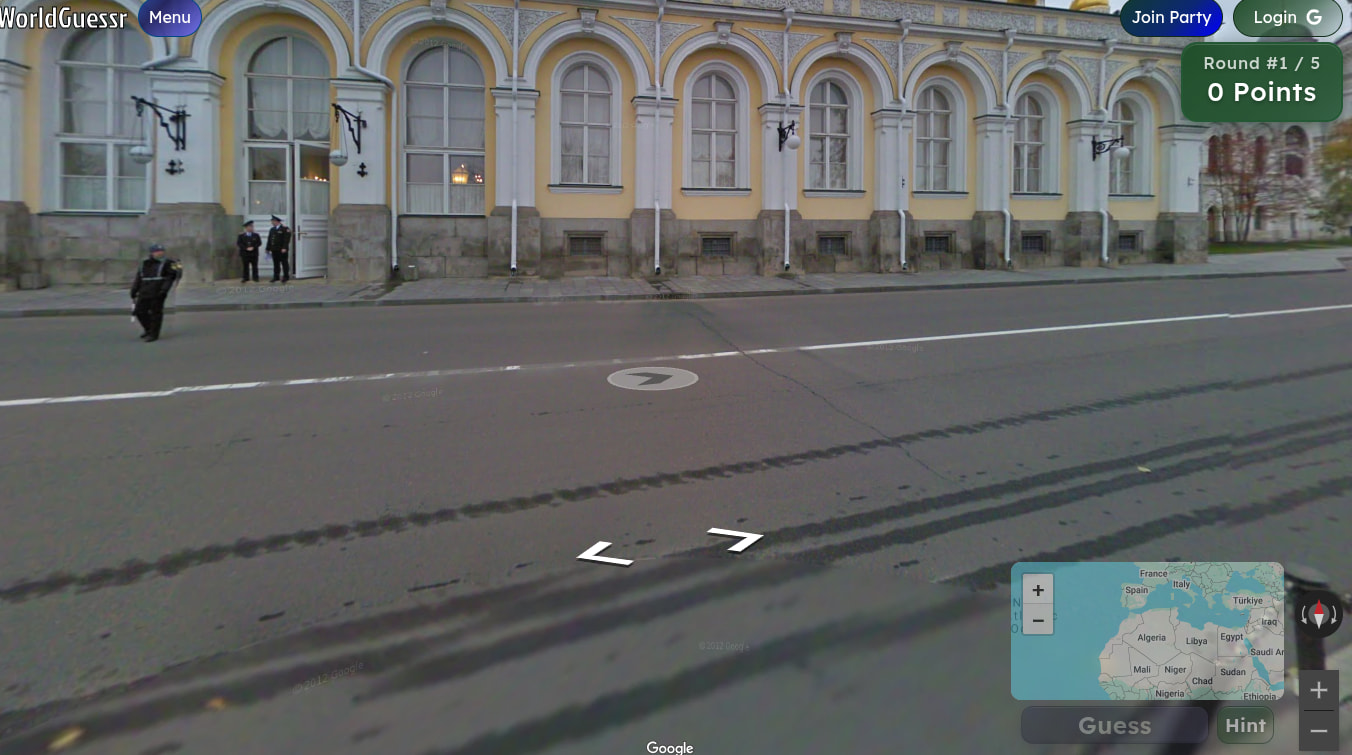
This is what WorldGuessr does after you first load it, it automatically sends you into an easy round with famous landmarks only, which is designed to hook you into the game.
While in the round, you have access to the mini-map, where you will decide and select which area you think you are in. Click it to pan and zoom around the map.
After you finish a round, it should look like this:
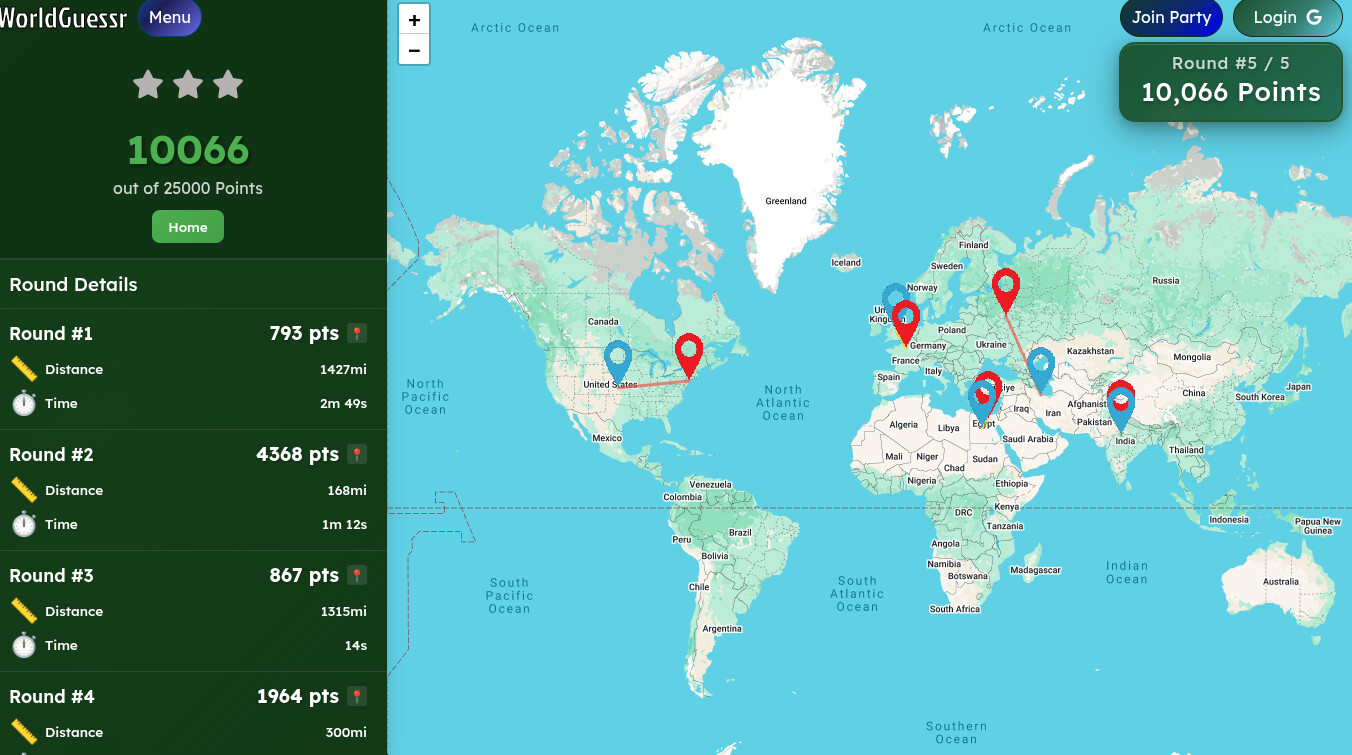
Then, after you exit out, it should look like this:
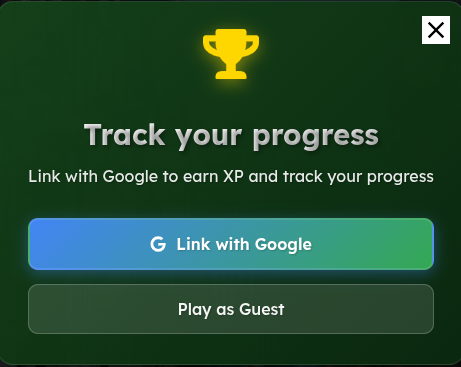
And that’s it for this section!
Note - You have to create a WorldGuessr (WG for short) account in order to send friend requests and join/create parties with those friends, there is currently no other way to do so.
Tutorial/Tips & Tricks:
I recommend using Hints if you don’t know something, so you can get a clue where the place is at! Also, zoom in to see more specific places.
Exp System:
Yes, there’s an exp System! You can get 10-100 exp, depending on how hard the place is to guess. There’s also an exp leaderboard you can check out!
ELO System:
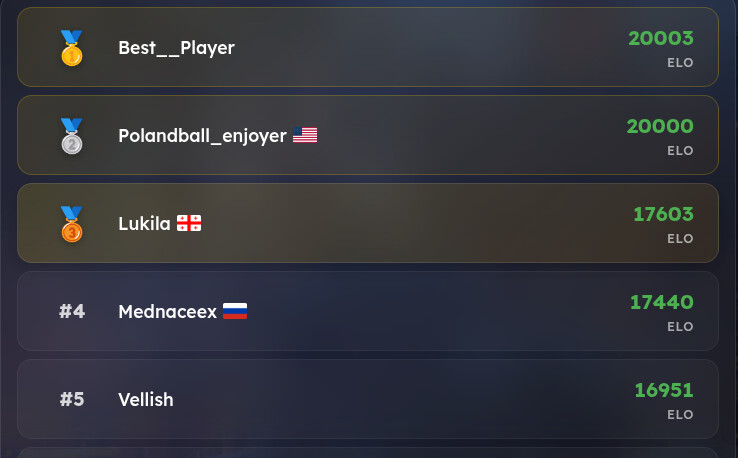
There’s an ELO system in WorldGuessr where you can play ranked matches to gain or lose ELO. Here’s the ELO leaderboard below:
Extra
There is a quick link button to the Discord and this Forum! There’s also a Youtube quick button!
Playing Styles:
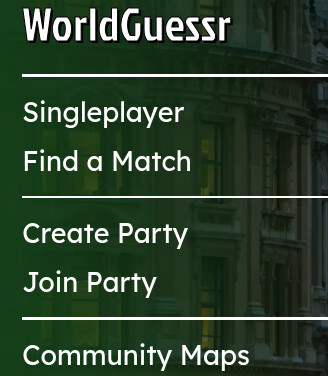
There are different playing Styles in this! There is SinglePlayer ,Find a Match ,Create/Join Party ,and Community Maps!
Need more help with locating?
Feel free to use some of these websites. These were handpicked by experienced Worldguessr users themselves for recommendation:
And that’s pretty much it! Hope you enjoyed this guide, and it helped you!
Credits
@surreallyⓘ For adding “Need more help with locating?” And for pretty much remaking the grammar.
@PandaKai7 For making “ELO system” and adding a bit to the rest of the guide.
Updates
Reworked the beginning of the guide, 4/3/26.